 Conference Event DeskLog inConference Event DeskLog in
For anyone who organises a conference once or twice a year, on top of their real job. Programme, budget, schedule and checklists in one place. Change something once and it updates everywhere, so nothing gets missed on the day.
 Jesse Kiuru built it to run his own conferences.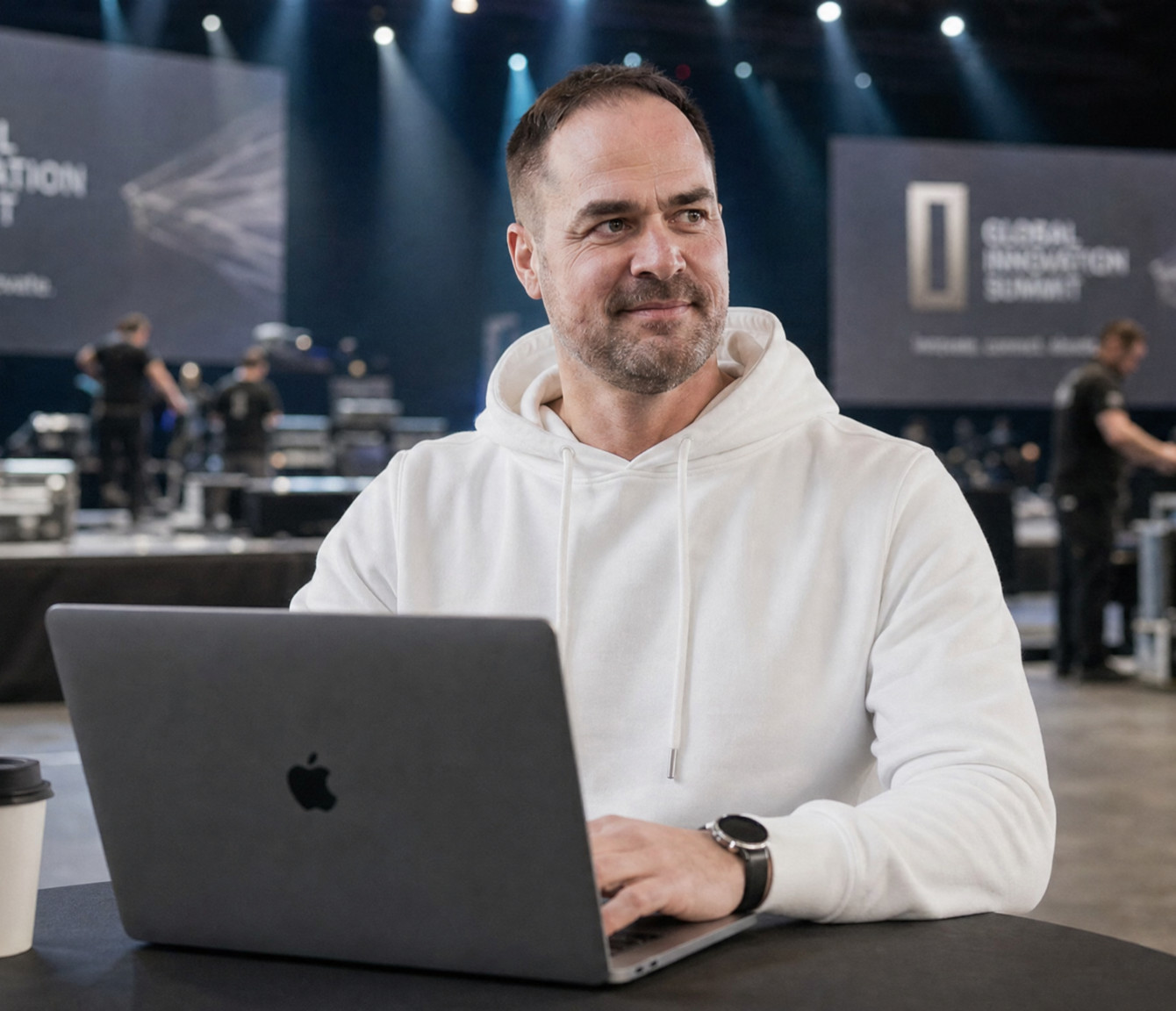
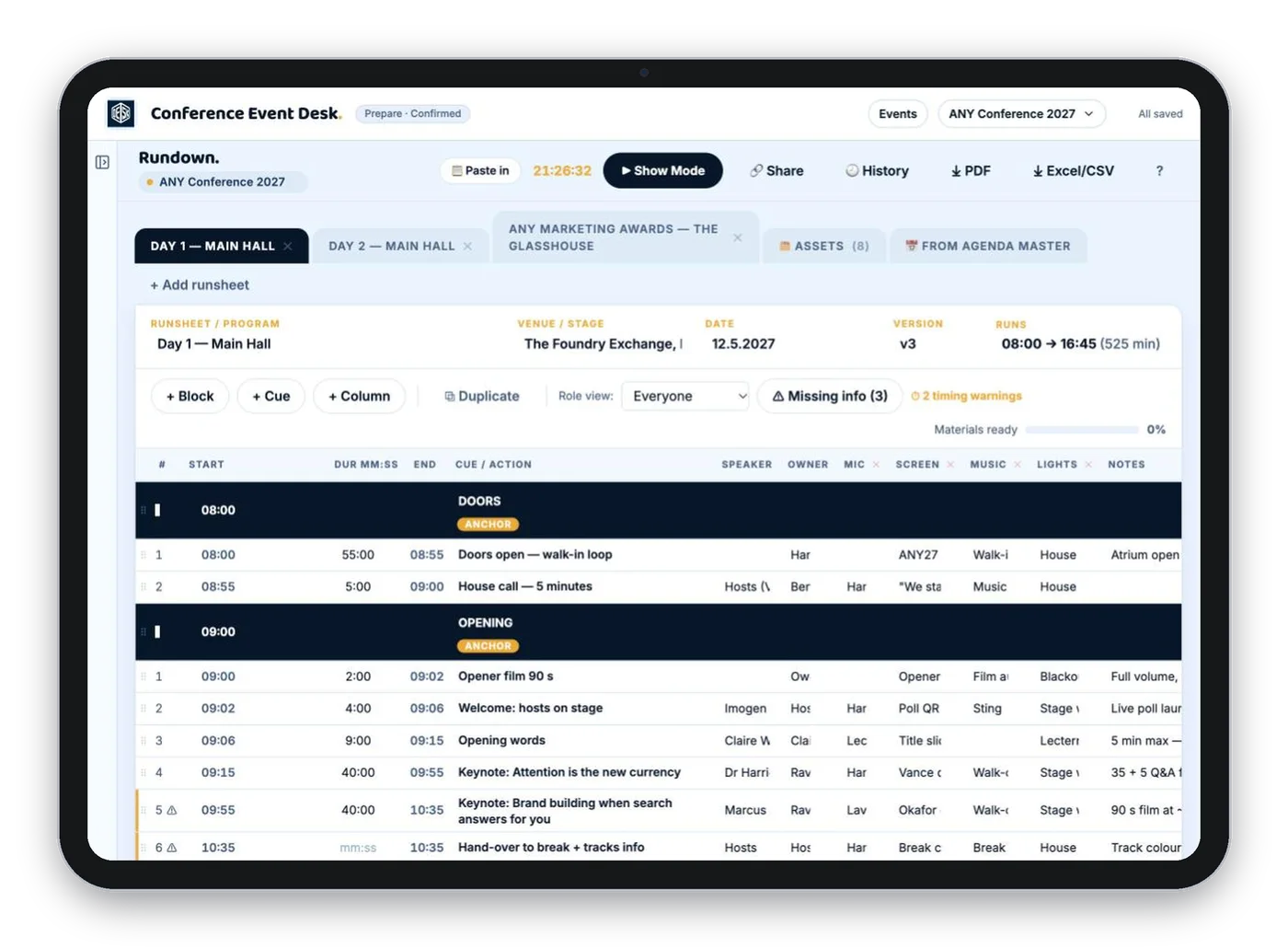
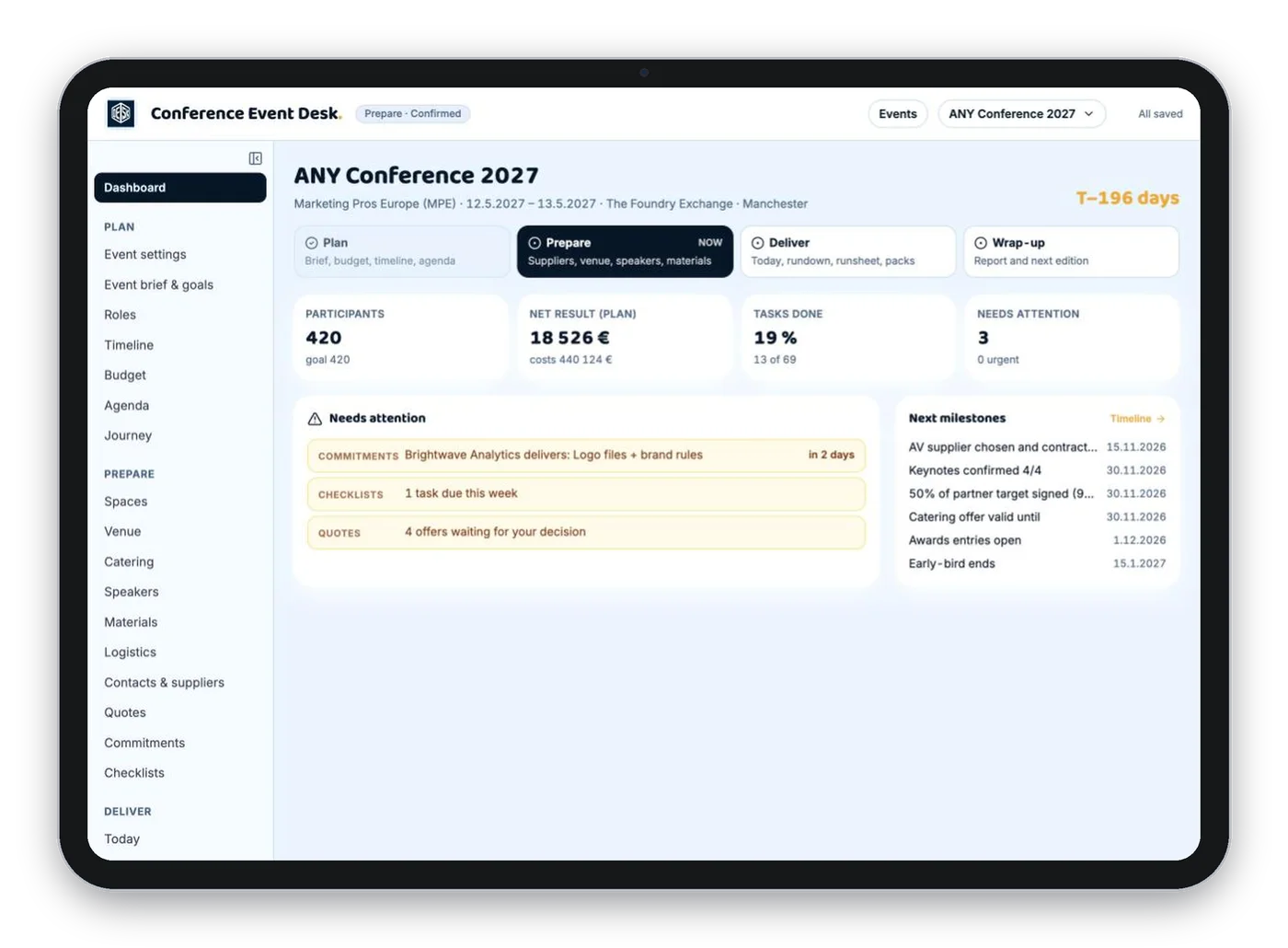
A budget in Excel. The programme in Word. Speaker details in emails. A runsheet nobody updated. And the rest in your head.
Then a speaker moves from 10:30 to 14:00. You fix the programme but forget the runsheet. On the day, the microphone is ready at the wrong time, in front of your boss.
Every part of your conference is connected. Change something once and the programme, budget, schedule and checklists all follow. The app also shows what needs doing this week, so you always know the next step.
Date, venue, number of guests and goals. Every part of the app uses them.
Paste in what you have. The budget, schedule and checklists follow it.
The app shows what this week needs. On the day, the plan is on your phone.
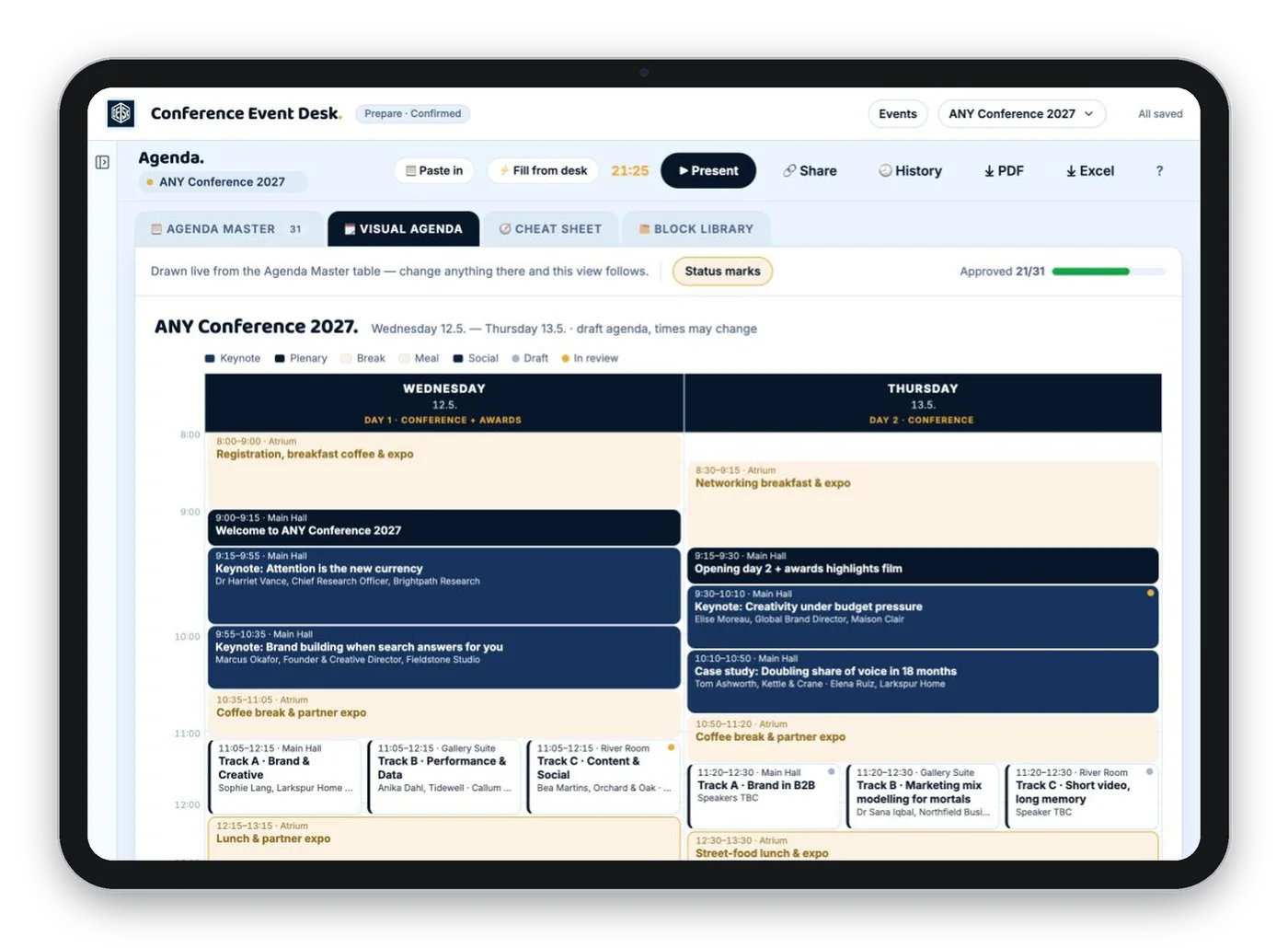
Where's the budget? Who's confirmed? It's all on one screen, so you answer in the meeting.
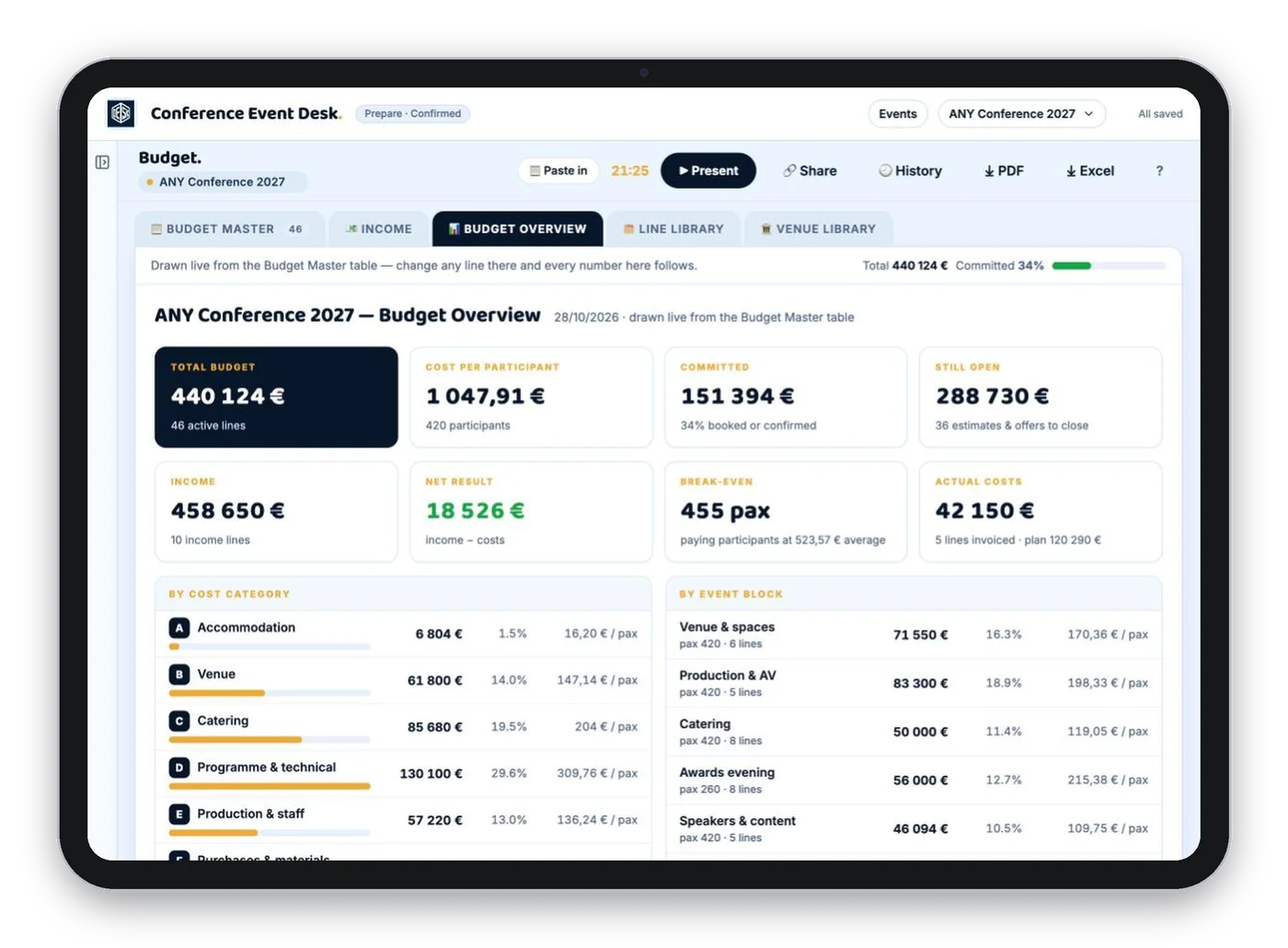
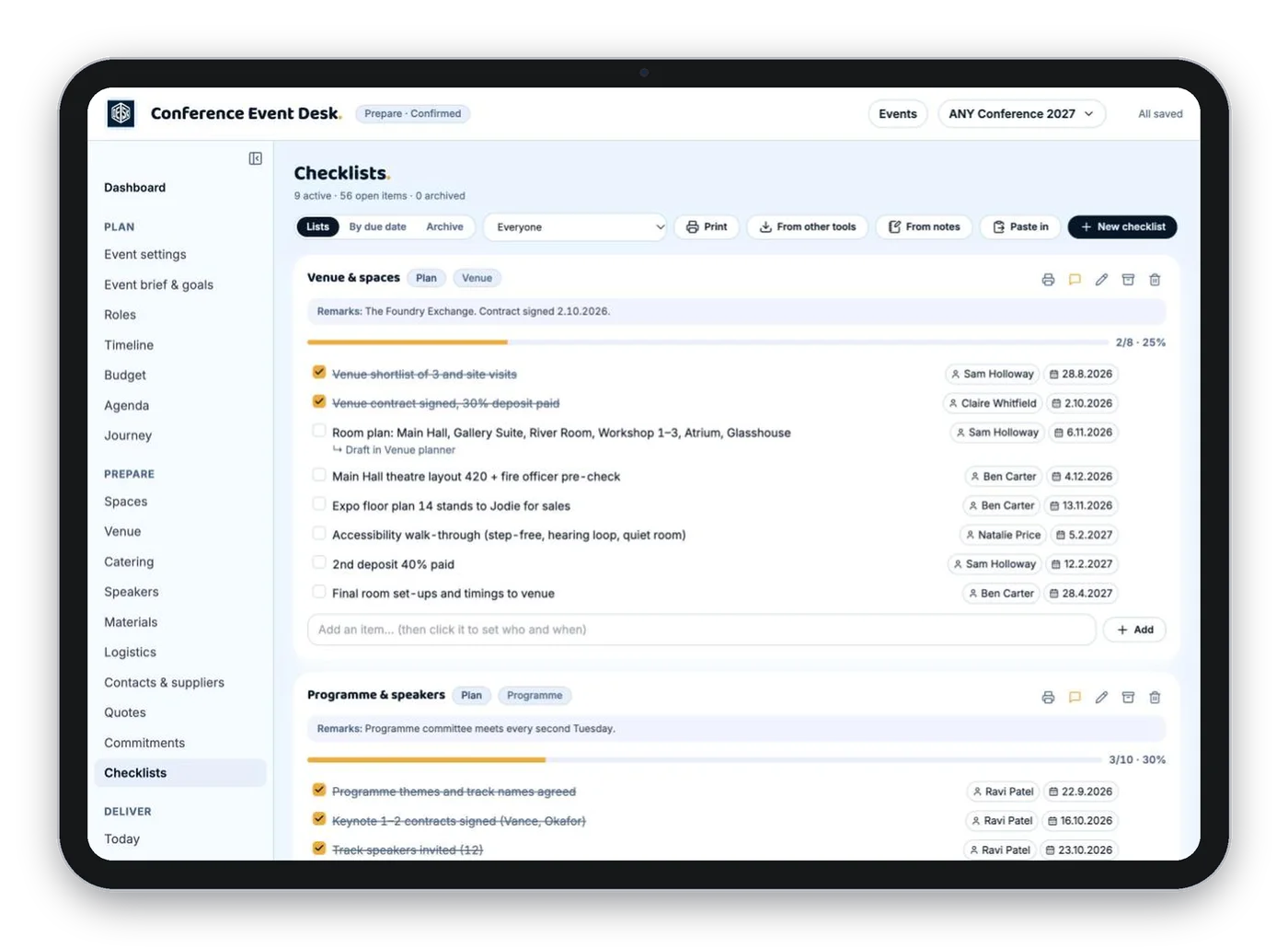
A timeline counted back from the event day and checklists that fill themselves. You always know what this week needs.
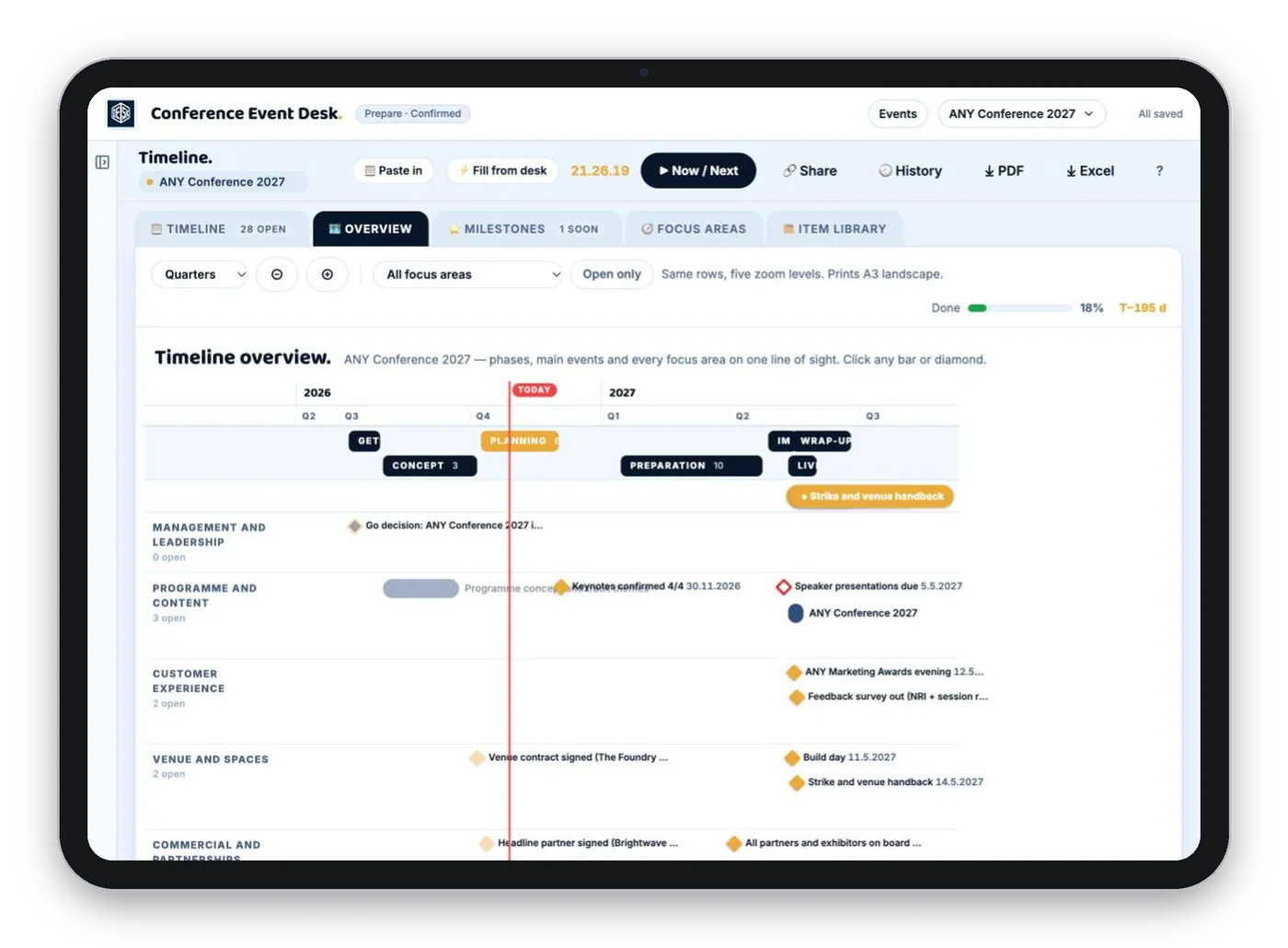
Share the current programme with speakers, suppliers and helpers. Nobody calls you to ask which one is right.
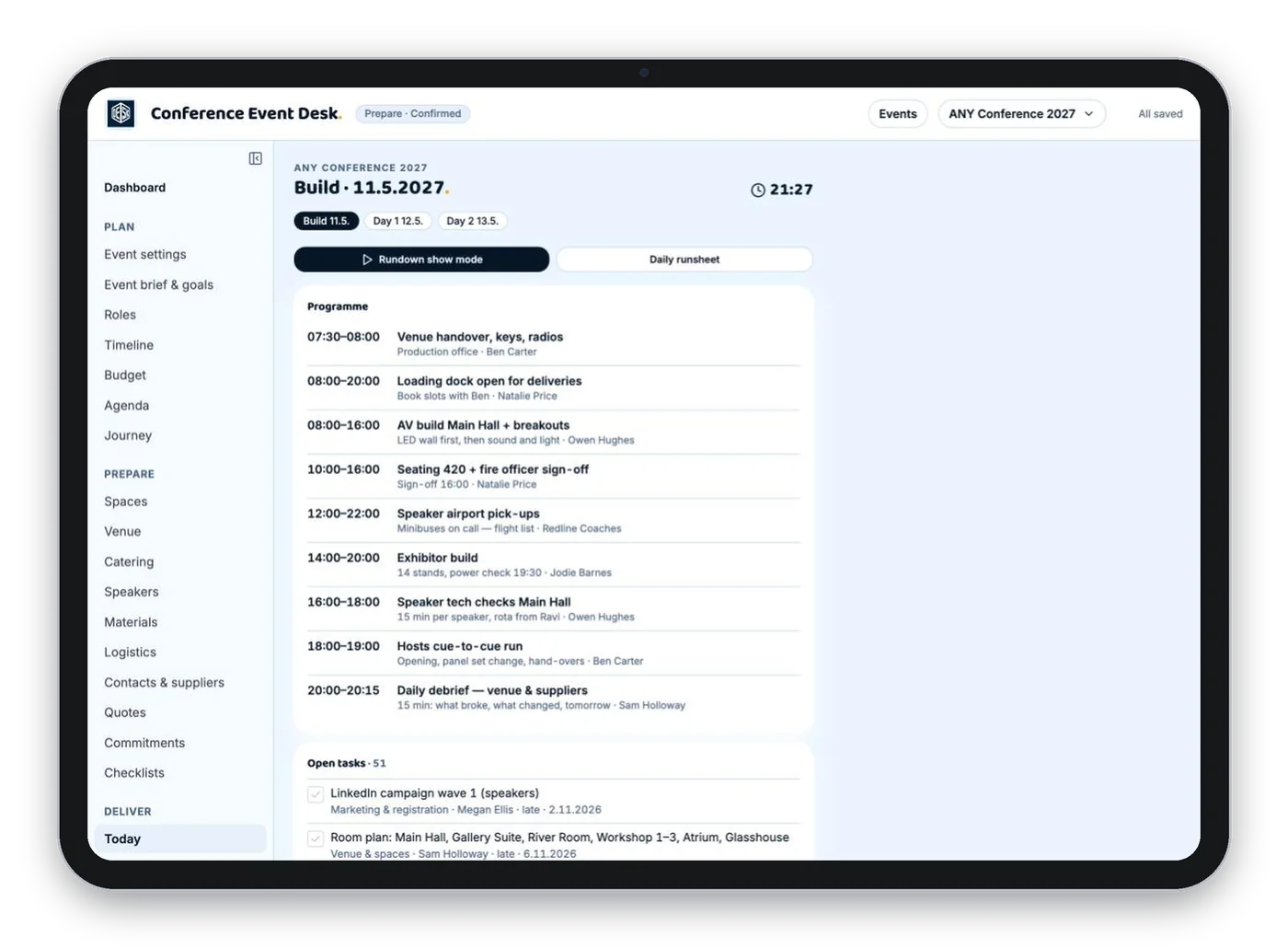
The day's plan, the runsheet and the phone numbers. You spend the day with your guests.

I've organised events for 25 years, more than 100 of them. These days I mostly do other things. So when a conference comes along, I'm the once-a-year organiser too.
My conferences ran on spreadsheets for years. It worked, but only when I was the one running it. So I built the app I wanted, and now I use it myself.
The event scored 4.66 out of 5. My spreadsheets did not.Peikko Conference, June 2026. 300 participants, 30+ countries, 50+ sessions, 6 venues.
A conference needs a few months of planning. Start the month the work starts and cancel when the event is over.
Everything you need to plan and run one conference: programme, budget, schedule, checklists, speakers, catering, the rundown and the event-day plan.
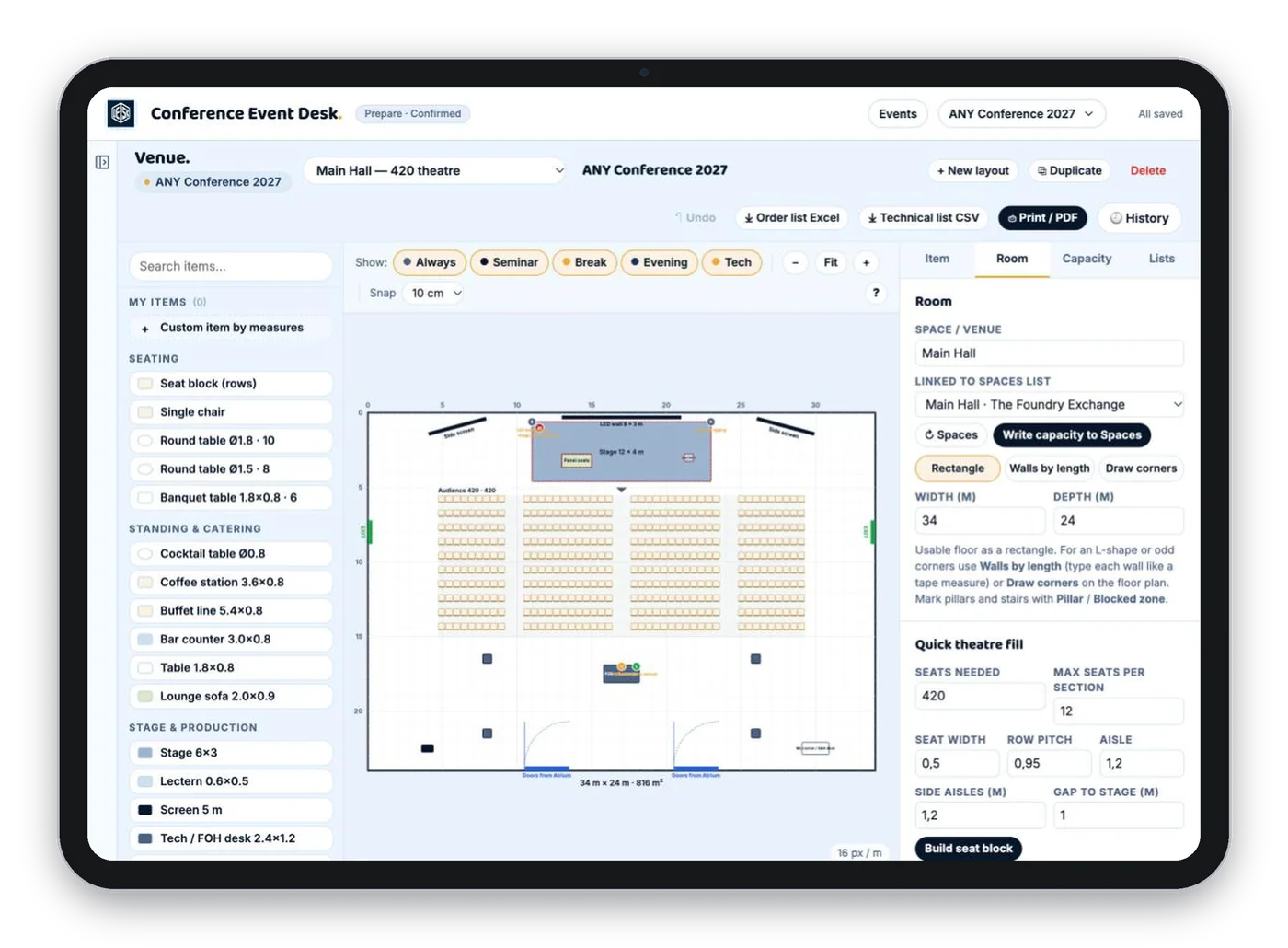
Try it free for 7 daysEverything in Essentials, plus the venue planner, guest journey, partner commitments, printable crew packs and the final event report.
Try it free for 7 daysEvery page has one job. They follow the order a conference is built in: plan, prepare, deliver, wrap up.
Anyone who organises a conference once or twice a year on top of their real job. Assistants and office managers who were handed the annual conference. Freelancers whose client asked them to run an event. Associations and small businesses running their own seminar or members' day.
No. The app follows the order a conference is built in, and the Dashboard shows the next step. You don't have to know what comes next. The app does.
Set the date, the venue and the number of guests. Paste in the programme you already have. Add the costs and quotes you know. From there the app shows what this week needs.
Yes. Share the brief and the programme with a link, so everyone sees the current version. Print PDF packs for the venue, AV, speakers and client.
Yes. Each conference has its own space in the app. Switch between them at the top of the screen.
Fill in the event report: goals against actuals, the money and the lessons. When the next edition comes, you start from this one instead of from zero.
You only need the app while you're planning. A conference takes a few months. Start the month the work starts, cancel when the report is done, and come back next time.
Essentials (27 €) covers every page above except the five marked Full. Full (39 €) adds the venue planner, guest journey, partner commitments, crew packs and the event report. Start with Essentials and switch when you need more. Switching never deletes anything.
So the app keeps working if you stay. Nothing is charged for seven days. Cancel before that and you pay nothing.
Yes. Export to Excel and PDF whenever you want. Your work is yours.
Set the basics today. The app shows you the next step. Your boss sees someone who does this every week.
Try it free for 7 days → Then 27 € a month + VAT. Cancel any month.Conference Event Desk. The conference planning app, 27 € a month.
Try it free for 7 days